
VOICE REQUEST
Tell us what’s going on
Describe the problem in your own words. We’ll ask a few follow-up questions so our team has the information they need.
Your microphone is used only during the voice request. Never share passwords, recovery keys, PINs, or payment information. We won’t ask for them.
Upgrade the computer
you already own.
More memory, faster storage, a stronger graphics card, better cooling, or the right supporting hardware can make a good computer feel completely different. Start with the computer you have and the result you want. We’ll help verify compatibility before the project moves forward.
Not sure which part you need? Choose your computer type and tell us what you want to improve.
What are you upgrading?
Choose the type of computer first. The available upgrades, compatibility checks, and questions will adjust to match it.
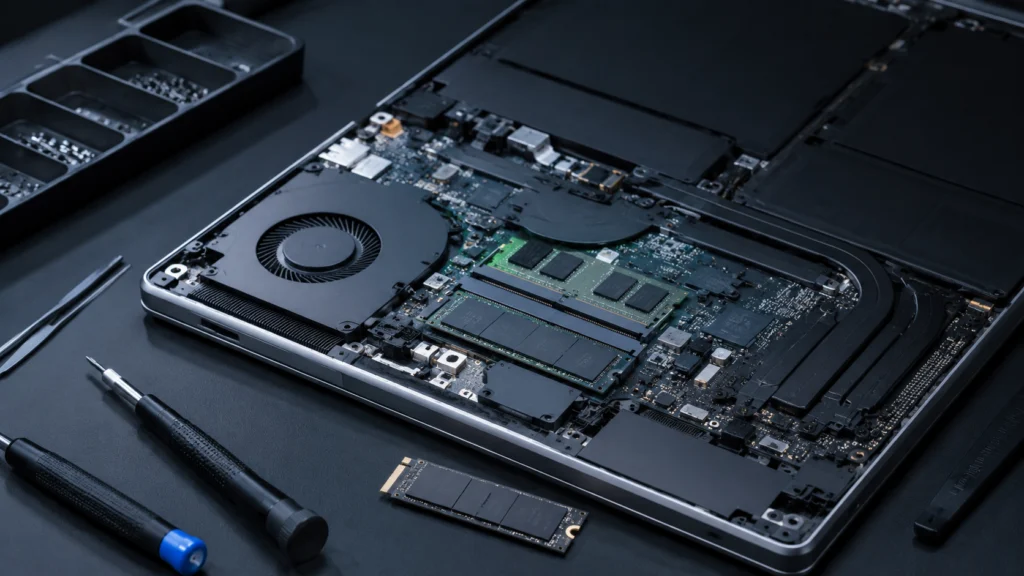
Laptop
Portable computers, notebooks, ultrabooks, mobile workstations, and gaming laptops.
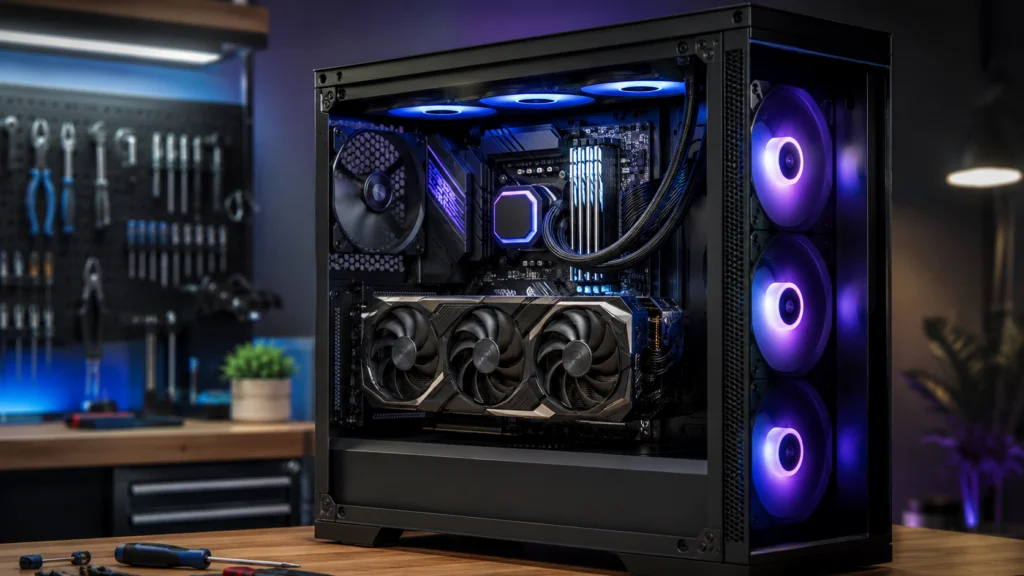
Desktop
Prebuilt desktops, office PCs, workstations, custom PCs, and gaming towers.
I’m not sure what I have That’s fine. We can help identify it from the brand, model, or a few photos.
Already know the upgrade?
Build the request with us.
Answer only what applies to your computer. The plan on the right updates as you go, showing starting labor where the work is standardised and saying plainly when something needs a person to look at it. You can go back and change any answer without losing the rest.
Which laptop are we working with?
The exact model matters. Different versions of the same laptop family can use different memory, storage, wireless hardware, batteries, internal layouts, and service procedures.
What do you want to improve?
Choose everything that applies. You do not need to know which part is responsible — the last option lets you describe the result instead.
Is that the drive your operating system is on?
Adding a second drive and replacing the drive Windows or Linux boots from are different jobs, with different labor and very different data implications.
What type of desktop is it?
This changes which compatibility questions actually matter. Major-brand systems in particular can use proprietary power supplies, boards and enclosures.
Which desktop are we working with?
The exact model tells us the power-supply form factor, board layout and enclosure, which is where prebuilt systems most often differ from each other.
What is inside it?
Fill in whatever you know and leave the rest blank — you are not expected to know all of this. Photos of the interior, the motherboard area, the power-supply label and the rear panel work just as well, and you can attach them further down.
What do you want to upgrade?
Choose everything you are considering. If several components are involved we plan them as one coordinated project rather than adding up separate installation fees.
A few things about the graphics upgrade
Power capacity, physical length, cooling and the processor beside it decide whether a card is actually worth fitting.
A few things about the processor upgrade
Some processor upgrades are a straight swap. Others need a different motherboard, different memory, a firmware update and a new cooler, which makes it a platform project.
A few things about the memory upgrade
Memory type, speed, how many slots are filled and what the board and processor support all decide what is possible — especially on major-brand systems.
A few things about the storage upgrade
Adding a drive and replacing the drive the system boots from are different jobs with very different data implications.
A few things about the power supply
Prebuilt systems can use proprietary form factors, connector pinouts and wiring, so the exact system has to be checked before a standard unit is fitted.
What kind of cooling?
Unexplained overheating is a symptom, not automatically a cooler problem. If the computer has started running hot without anything changing, that is worth diagnosing first.
A few things about the motherboard change
A board change reaches the processor, memory, cooler mounting, case standoffs, front-panel wiring, firmware, operating-system activation and any drive encryption. It is quoted after review for that reason.
What do you want the computer to do better?
You do not need to know any hardware terminology here. Describe the result and we work backwards to the component that is actually responsible.
What happens at the moment?
Tick everything you notice. Some of these point at an upgrade; a few point at a fault that should be diagnosed first, and we would rather tell you that than sell you a part.
Do you want the current system and files moved to the new drive?
Fitting a drive and moving what is on the old one are two different scopes. We never assume the second one is included, and we never start it without asking.
Who is supplying the hardware?
Labor and hardware are always priced separately. Nothing customer-specific is ordered until you have approved the project.
Which part do you already have?
The exact model is what lets us confirm fit, power, firmware support and whether anything else is needed to make it work.
Is the computer already having problems?
This is the question that most changes what we recommend. An existing fault can make a new component impossible to validate, and can put it at risk.
Photos, if you have them
Optional, and often the fastest route to a firm answer. Useful shots: the label underneath a laptop, the inside of a desktop, the power-supply label, the rear panel, or the part you already bought. JPG, PNG, WEBP, HEIC or a PDF receipt, up to 10 MB each.
Where should we send the answer?
We use these to confirm compatibility and scope, and to tell you what the complete project looks like before anything is ordered.
Know what you want? Start with the part.
Straightforward installations can begin with clear labor pricing. The exact computer and component still need to support each other, and existing faults may change the scope.
RAM / MEMORY
More memory can help when your normal workload regularly runs out of RAM. It is especially useful for heavy multitasking, large creative projects, virtual machines, development work, and memory-heavy applications. More RAM does not automatically make every program or game faster.
SSD / STORAGE
A solid-state storage upgrade can improve startup, application loading, file access, and capacity—especially when replacing a mechanical, failing, or nearly full drive. Replacing the operating-system drive may also require cloning, migration, backup, or OS installation.
GRAPHICS CARD
A graphics-card upgrade can improve gaming, rendering, creative acceleration, resolution, visual settings, and other GPU-heavy workloads when the rest of the system can support it. Power, physical fit, cooling, CPU balance, firmware, and drivers all matter.
PROCESSOR / CPU
A processor upgrade can help CPU-bound gaming, compiling, simulation, rendering, production work, and other processing-heavy tasks. Some CPU upgrades remain simple; others turn into a motherboard, memory, cooler, firmware, and platform project.
POWER SUPPLY
A power-supply upgrade may be needed to support higher-power hardware, replace an aging unit, or improve connector and capacity compatibility. Prebuilt computers can use proprietary formats or wiring, so exact-system verification matters.
COOLING & AIRFLOW
Better cooling can reduce thermal throttling, improve sustained performance, lower noise, or support higher-power hardware. Unexplained overheating should be diagnosed rather than automatically treated as a cooler problem.
The best upgrade is the one that fixes the actual limitation.
A computer can feel slow for very different reasons. The most expensive component is not automatically the most useful one. Start with what should feel different, then verify which part is actually holding the system back.
Faster everyday response
Startup, application loading, file access, and general responsiveness.
Smoother gaming
Frame rate, frame-time consistency, resolution, graphics settings, and gaming responsiveness.
Heavier professional workloads
Editing, rendering, compiling, virtual machines, simulation, production, and multitasking.
More capacity
Space for files, games, applications, projects, working data, or local backups.
Cooler or quieter operation
Reduce thermal throttling, fan noise, or heat under sustained load.
Example: Slow startup + freezing + a nearly full drive does not automatically mean “new processor.” Storage health, storage speed, memory pressure, background activity, thermals, and the operating system may deserve attention first.
A part can fit the connector and still be the wrong upgrade.
Compatibility is more than a socket or slot. The surrounding computer has to support the component physically, electrically, thermally, mechanically, through firmware, and for the workload you actually care about.
Physical fit
Length, height, slot thickness, mounting, cable clearance, drive cages, radiators, side panels, and service access.
Electrical support
Power capacity, connector type, transient demand, PSU quality and age, form factor, and proprietary wiring.
Platform support
Motherboard, chipset, processor generation, memory type, slot population, PCIe lanes, BIOS/firmware, and manufacturer restrictions.
Cooling & airflow
Heat output, cooler capacity, fan path, obstruction, noise, throttling, and sustained operation.
Software & firmware
Drivers, OS support, firmware sequence, activation, security features, and application requirements.
Laptop & OEM limits
Soldered memory, restricted capacities, custom enclosures, proprietary power, unusual connectors, paired components, service adhesives, and unavailable assemblies can limit otherwise normal-looking upgrades.
Already bought the part? Bring the exact details.
Circuit Craftworks can install customer-supplied hardware when the part is compatible, complete, serviceable, safe, and appropriate for the computer. Before installation, we may verify the exact model, physical fit, power requirements, firmware support, included hardware, and the condition of the component.
Want us to source it instead?
Tell us the computer, goal, and budget. We can recommend compatible options and explain meaningful tradeoffs when more than one path makes sense. Customer-specific parts are ordered only after the project, pricing, supporting work, and known limitations are approved.
Bring the exact model
The long model number on the label, not just the family name. Two cards, sticks or drives with almost the same name can have different power requirements, physical dimensions, firmware and included mounting hardware.
What we check before fitting it
Physical fit, power requirements, firmware support, included hardware, and the condition of the component. If it is not compatible, complete, serviceable or appropriate for the computer, we will tell you instead of forcing it in.
No customer-specific component should be ordered simply because a request form was submitted.
Sometimes the right answer is not another component.
If the computer already crashes, overheats, corrupts data, shuts down, or behaves unpredictably, the existing fault may need diagnosis before an upgrade can be validated. If the required platform changes approach the cost of a better replacement system, we should say that too.
UPGRADE IT
The computer is healthy enough to build on, and a targeted component change meaningfully improves the intended workload.
REPAIR IT FIRST
An unresolved fault could interfere with installation, testing, reliability, or the safety of the new hardware.
REPLACE / REBUILD
The upgrade requires so many supporting changes that a newer platform or custom build may provide better long-term value.
From upgrade idea to tested computer.
Six steps, in the order they actually happen. Nothing customer-specific is ordered before step three, and nothing beyond the approved work happens after it.
- Choose the computer and goalTell us whether it is a laptop or desktop, what you want to improve, and what you already know about the system.
- Verify the upgrade pathWe review model-specific limits, component compatibility, supporting hardware, existing problems, and any data or operating-system implications.
- Approve the projectYou see the labor, hardware where applicable, selected add-ons, known limitations, and any required supporting work before customer-specific parts are ordered.
- Schedule the handoffReserve an available appointment or drop-off window. Do not leave equipment unattended unless your confirmed instructions specifically allow it.
- Install, configure, and validateThe approved hardware is installed and the relevant detection, temperature, stability, firmware, driver, and practical-use checks are completed.
- Pickup and resultsYou receive the completed system along with the important results, limitations, and any recommendations that remain.
The approved upgrade does not create open-ended permission to repair unrelated faults, migrate data, redesign the system, overclock hardware, or add unapproved work. Material changes wait for your approval.
The things people ask before they commit.
If the honest answer is “it depends on the exact model”, that is the answer given here rather than a promise that cannot be kept for every computer.
I know the computer feels slow, but I don’t know what to upgrade.
Can you install a part I already purchased?
Can you tell whether a part is compatible from the computer model alone?
Can every laptop receive more RAM or a larger SSD?
Will replacing my SSD keep Windows, programs, and files exactly as they are?
Can you upgrade a computer that already crashes or overheats?
When do I pay for parts Circuit Craftworks needs to order?
Can you guarantee a specific FPS or benchmark score after an upgrade?
Can an upgrade be completed the same day?
What if the upgrade stops making financial sense?
Tell us what should feel better.
Choose your computer type, select the upgrade you already have in mind—or describe the result you want. We’ll use the details to determine the practical path, show clear starting labor where possible, and identify anything that needs compatibility review before the project moves forward.
Laptop and desktop upgrades · Customer-supplied or sourced hardware · Appointment-based service in Katy and West Houston
See the full price list for current service pricing.